
Start with the party’s deed
Set the location, what happened and the audience already present. Choose how that group receives the moment.
DM & session
Give the moment
a voice.
Make it feel witnessed.
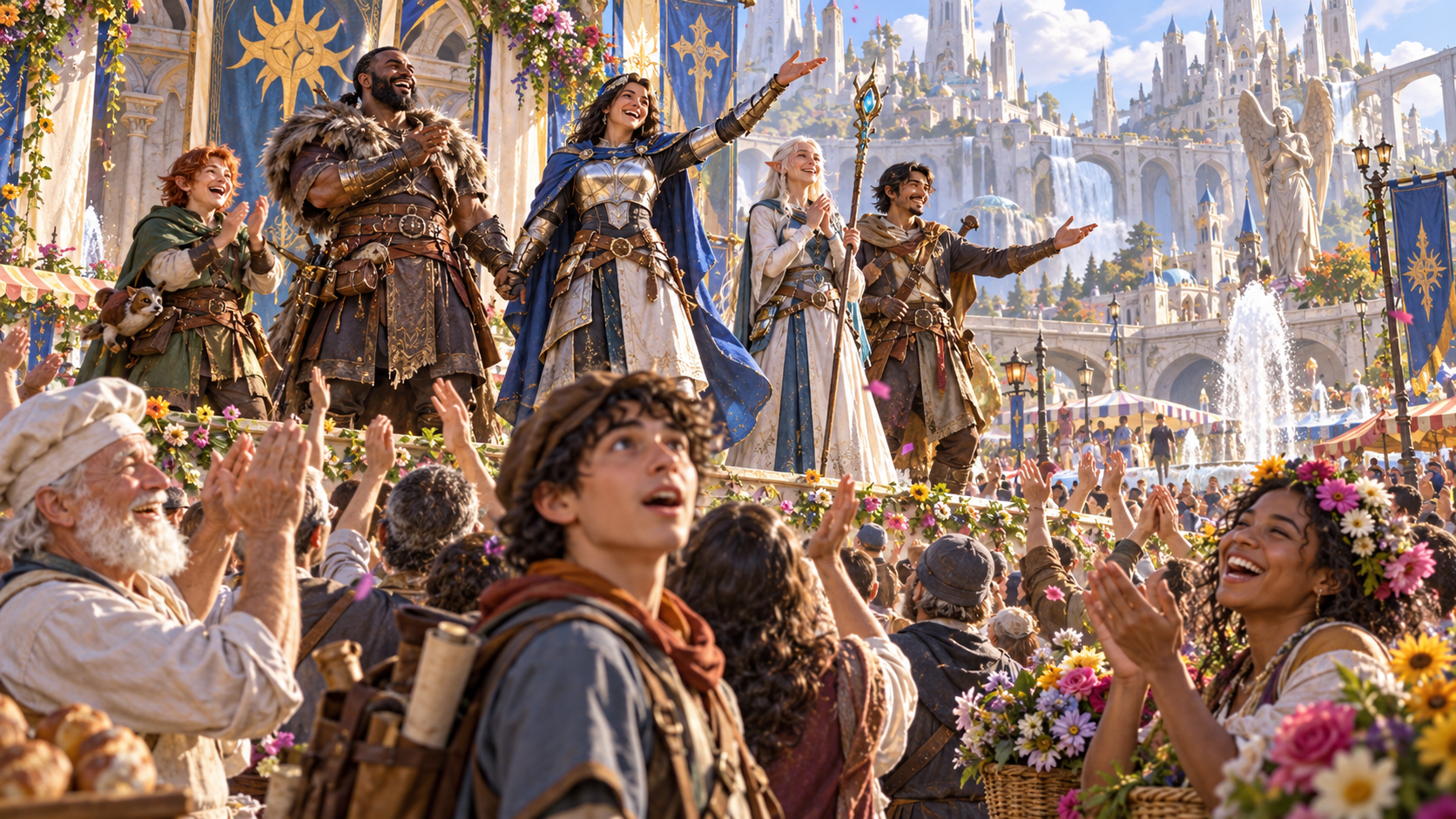
The audience is already there
Turn a public success, mistake, speech or surprise into an immediate response your players can hear.
Set the location, what happened and the audience already present. Choose how that group receives the moment.
Read the collective reaction aloud, pick out three faces and give the party choices for answering the crowd.

Three standout faces
Give the collective response a few clear human details. Three unnamed onlookers can laugh, gasp or watch in awe while the wider audience responds around them.
Choose local flavour, sound cues and harmless shouts that suit the location. Keep those details close to the deed the party just performed.
What you can prepare
Choose the sound, faces and mood that make this moment belong to your scene.
Describe what the party just did or said, where it happened and who was already watching. Keep the response grounded in the scene at your table.
Set its type, size and local flavour. A market audience, guild gathering or festival square can give the same deed a different reception.
Choose cheers, gasps, laughter, good-natured boos, stunned silence, confusion or awe. Match the reaction and tone to the moment.
Give the collective response a sound cue and a ready-to-read line. Lead with the words you want your players to hear.
Add three unnamed onlookers with distinct responses. A few memorable faces make the audience easier to describe without preparing a new cast.
Choose harmless shouted lines or an optional playful heckler. Use these small details to give the crowd character.
Describe how the mood changes, how long the response lasts and how it fades. Give the moment a clear shape before play moves on.
Include ways the party can acknowledge, answer or move through the reaction. Keep the response useful for the next exchange.
Review and edit the response, keep details you like, lock choices and reroll what needs another approach. Add exclusions or private DM context.
Save the result, return to earlier versions and choose read-aloud, DM or player-facing copy. Download structured output or print a table reference.

Tone, mood and duration
Set the deed, place, crowd type and size. Choose the collective reaction and tone, then decide how long it lasts.
Add local flavour, standout faces, sound or a playful heckler. Review the mood change and player choices, then edit the result for your table.
Quick choices. Deeper detail.
Prepare a short read-aloud moment or add the details that give it texture.
Choose location, deed, crowd, size, reaction and tone. Prepare the collective response and read-aloud line for immediate use.
Add local flavour, sound cues, faces, shouted lines, an optional heckler, mood changes, duration and exclusions.
Record context for your own reference alongside the response. Review the view you choose before copying it for players.
Review, edit and lock details you want to retain. Reroll the parts that need a different approach, then save the response.

Shouts and player choices
Use a ready-to-read line, collective sound and a few standout faces to make the public moment clear. Add harmless shouted remarks when they suit the crowd.
Describe the mood change, its duration and how it fades. Include ways the players can respond so the reaction leads naturally back into play.
Saved results and table references
Return to useful moments and choose the copy that suits your table.
Save, reopen, rename or duplicate a response. Search, tag and annotate results so a useful variation is easy to find. Delete results you no longer need.
Return to earlier versions when refining a result. Keep a variant for another crowd, tone or setting.
Start with the read-aloud text. Choose full DM copy or a player-facing view and review the selected text before sharing it.
Download structured output or print a reference. Keep collective reactions, sound, faces, mood and player choices ready for the session.
Your desktop and encounter tools
Open the generator through your account and prepare encounters separately when you need them.

Open your VISINVOKE products through one signed-in Windows desktop workspace.
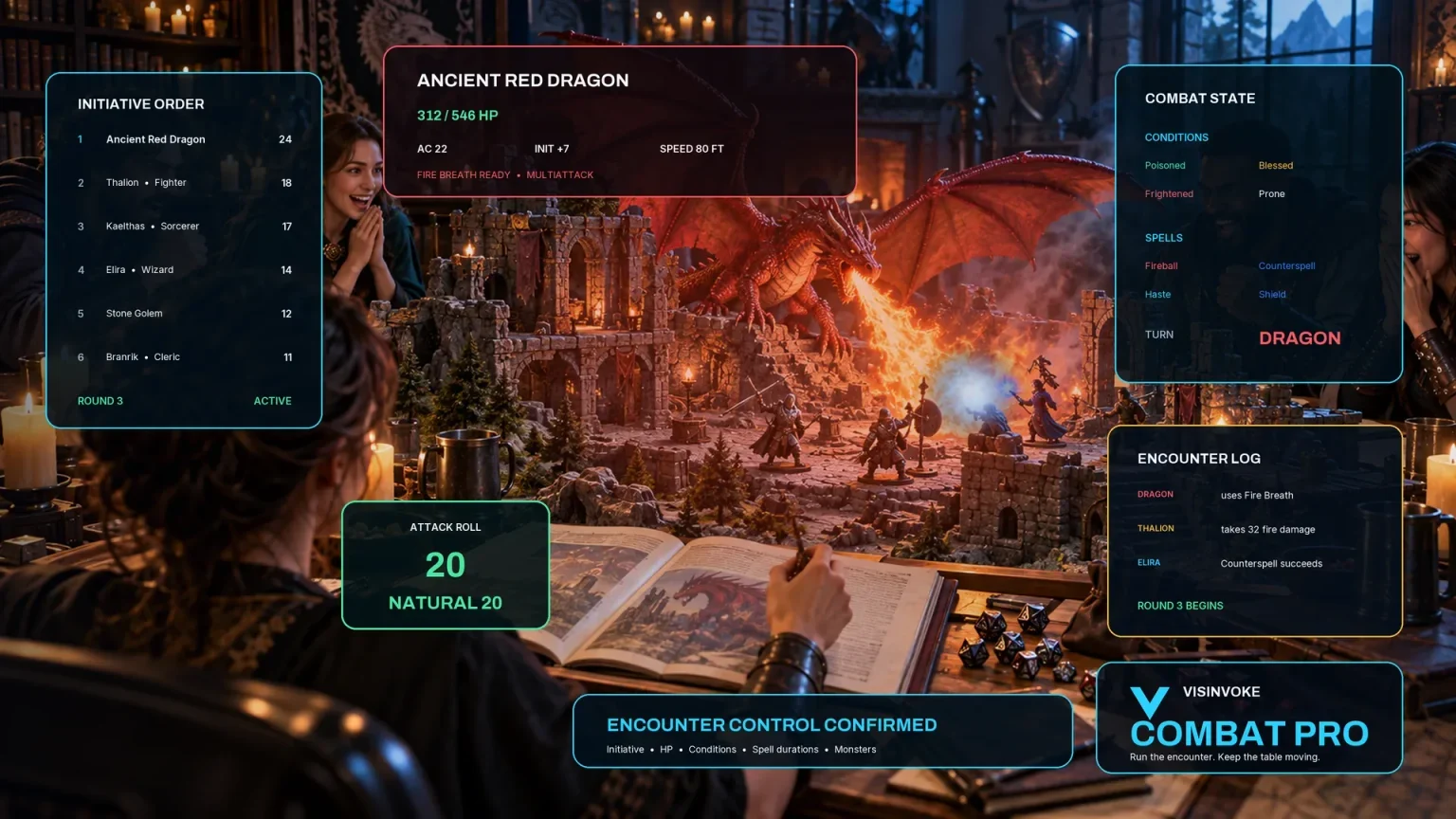
Manage initiative and encounters in a separate product. Crowd Reaction prepares an immediate public response; it has no Combat PRO handoff.
Artwork illustrates crowd moments and related products, not application screens.
Questions and answers
Crowds, saved results and account access at a glance.
Use it when the party has just spoken, succeeded, made a mistake or surprised an audience already present. It prepares the immediate public response to that moment.
Yes. Choose the reaction and tone, crowd type and size, local flavour and duration. Add mood changes, shouted lines or an optional playful heckler when they fit the scene.
They are unnamed faces with different reactions within the audience. They help you describe the collective response through a few clear details.
Its focus is the immediate crowd response. Use separate campaign or encounter tools when you want to prepare lasting reputation, a new named cast or a larger encounter.
Save and reopen results through your account, use twelve-version history, and rename, duplicate, search, tag or annotate them. Copy the read-aloud text, select a DM or player-facing view, download structured output or print.
Sign in to your VISINVOKE account and use the Generators collection in Desktop Control Centre on Windows. Review individual subscription access and current pricing in your account. A free account is separate from paid generator access.
Continue in VISINVOKE
Create a free VISINVOKE account or sign in to your existing account. Get Desktop Control Centre through your account installer page.
Open the Generators collection on Windows. Review current subscription and access details in your account.